Converta imagens em PDF online gratuitamente
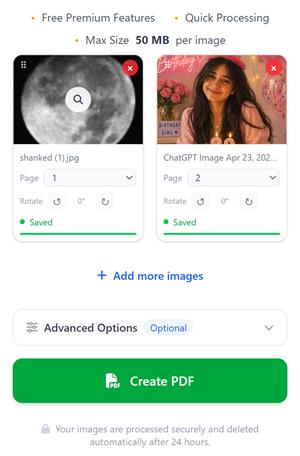
Selecione ou capture imagens, cole URLs de imagens, organize-as como páginas de PDF e converta essas imagens num único documento PDF.
- • Funcionalidades Premium gratuitas
- • Processamento rápido
- • Tamanho máximo: 50 MB por imagem
Ainda não foram adicionadas imagens.
Todas as imagens que selecionou ficarão aqui durante 24 horas, a menos que as elimine. Isto significa simplesmente que, se adicionar imagens de manhã e voltar aqui à noite, verá as imagens que tinha selecionado anteriormente.
Como é que isso é possível?
- → Quando seleciona imagens, guardamo-las de forma segura no nosso servidor para que não tenha de as carregar novamente.
- → Quando atualizar a página ou voltar ao compressjpg.net mais tarde, as imagens que selecionou anteriormente continuarão aqui.
- → Pode continuar a adicionar mais imagens a qualquer momento e criar o PDF a partir de todas as imagens selecionadas sempre que quiser.
Os seus ficheiros são processados de forma segura e eliminados automaticamente após 24 horas.